
Register the exact origin used by the website or app embedding SentroDesk. Match the protocol, hostname, and explicit port, then select that origin when generating native code.
Before you begin
Confirm the origin with the person deploying the website or app. Adding an origin changes where the widget can be used, so only register destinations you control.
Step by step
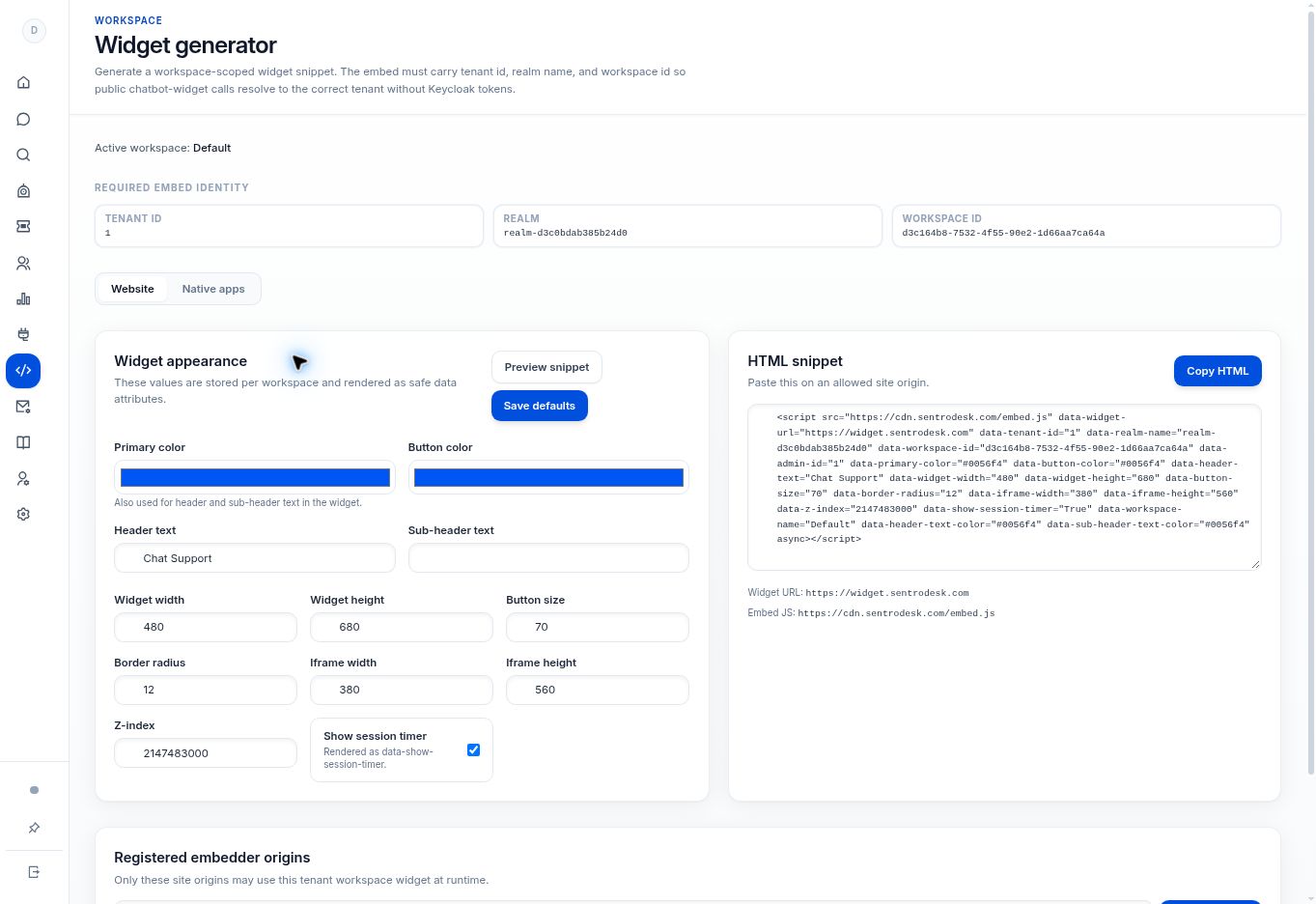
- Open Widget generator and locate Registered embedder origins.
- Enter the intended value in Site origin for CORS. The UI uses an example such as
https://www.example.com. - Select Register origin. Confirm the value appears in the registered-origin list.
- For native integration, select the registered value as App origin before generating code.
- Test on the real website or device after deployment. Treat http/https, www/non-www, subdomains, and explicit ports as differences to verify.
What to check
The exact approved origin is registered. For native apps, the App origin selector can use it and the code-generation prerequisite is satisfied.
Need to troubleshoot?
Register origin shows an input error
Provide a complete origin in the format requested. An empty value cannot be registered.
Generate code is disabled
Check that an origin exists and has been selected for the app.