
Use Search to find sessions by the available visitor, message, owner, ticket, or session fields. Results are limited to workspaces you can access.
Before you begin
Search only returns sessions in workspaces you can access.
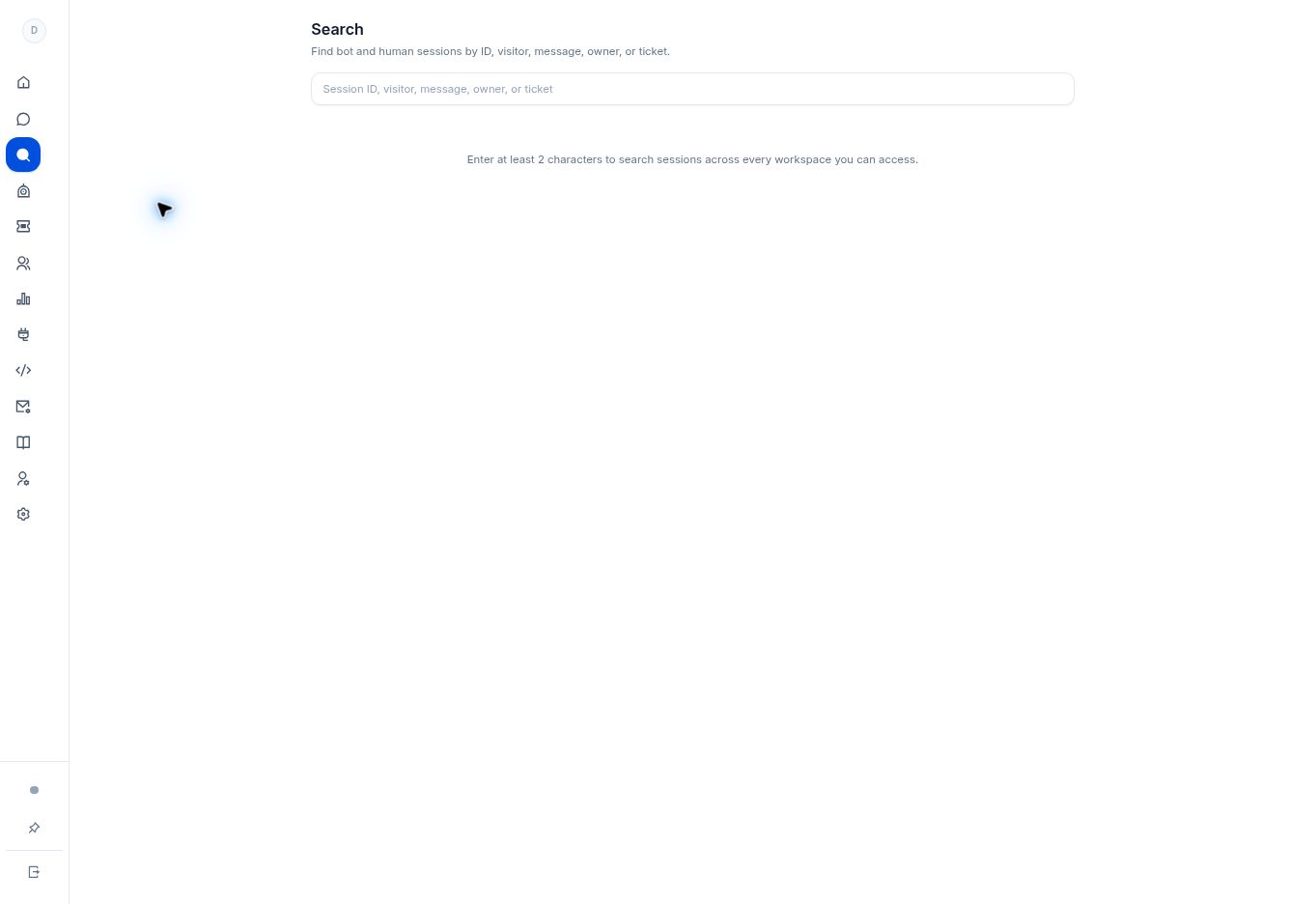
Step by step
- Open Search from the navigation rail.
- Enter at least two characters in Search sessions. Use a distinctive part of the message, visitor, owner, or ticket when you do not have the full session ID.
- Review the returned matches and open the relevant session. Confirm the workspace and visitor before acting on it.
- If you have a session ID from a support investigation, search that exact ID to avoid confusing similar conversations.
What to check
You locate the intended session without changing its state. Search is a discovery tool; sending messages or changing a conversation requires its own action.
Need to troubleshoot?
Nothing appears
Use at least two characters, try a different identifying phrase, and confirm you still have access to the source workspace.
Several results look similar
Compare the workspace, visitor, and source conversation before replying or creating a ticket.